In 2021, an artwork titled “Everyday: The First 5000 Days” by Beeple sold for $69.3 million at Christie’s. This sale made it the third most expensive piece by a living artist. Digital illustration has become a vital part of today’s art and creativity. It includes graphic design, digital painting, and 3D modeling. These forms let artists use their creativity in new ways.
Now, with creative software and tools, anyone can start learning digital illustration. These technologies make it easier to improve your art skills. It’s important to understand your tools and practice a lot. This guide is here to give helpful tips for all skill levels. It will help you get better at your craft and grow your portfolio.
Key Takeaways
- The landscape of digital illustration is expanding, enabling diverse artistic expression.
- Advanced tools and software make creating and editing digital art more efficient.
- Regular practice and experimentation are essential for continuous skill development.
- Understanding color theory and composition enhances the quality of digital artworks.
- Access to online resources can accelerate learning and inspire creativity.
- Investing in quality hardware is crucial for improving the digital illustration experience.
Getting Started with Digital Illustration
Diving into digital illustration is exciting. It’s vital to know the basics of digital art to improve your skills. This field uses special software and tools that are like the ones artists use, but they’re for computers. This lets people make cool designs and share new ideas.
Understanding the Basics of Digital Art
Digital art is different from old-school art. One cool part is using layers. This way, artists can change their work without ruining the first version. Getting to know the digital brushes and how hard to press is key. These skills help me mix colors and make smooth shades.
Color theory is super important, too. Understanding colors and the color wheel makes my designs better. This knowledge helps me create awesome illustrations.
Choosing the Right Tools and Software
Picking the right tools and software for digital art is big. Costs can vary a lot. Pen tablets might be $100 or over $2,000. Software can be free or cost more than $300. It depends on what you need and can spend.
Many pros like using Adobe Photoshop, Clip Studio Paint, and CorelDRAW. These programs have a lot of cool features for creating detailed, colorful vector art.
I suggest having at least 8 GB of memory on your computer for smooth work. A big monitor, 20 inches or larger, is good to reduce eye strain during long drawing times. Digital illustration is great because it saves on art materials and speeds up making art. It lets me create fast and efficiently.
Digital Illustration Techniques for Beginners
Starting digital art means learning many skills and techniques. It’s about practicing a lot, knowing your tools, and finding good online help. The beginning might feel too much, but sticking with it really helps improve your art.
Practice Sketching Regularly
Sketching often is key to getting better at digital art. I sketch every day or week to get my ideas flowing. Doing simple exercises, like drawing shapes, helps me get better and get used to digital tools.
Familiarize Yourself with Digital Tools
I learn about different digital tools and software to get better at art. Using Adobe Illustrator and CorelDRAW has been great for me. They have cool features for artists. Also, getting good with digital tablets mixes traditional drawing and digital well. Learning these tools makes my digital art better.
Make Use of Online Resources
Online resources are a big help in learning. There are videos, courses, and forums for learning digital illustration. Joining art communities gives me tips and inspiration from other artists. Sites like Society6 show off art that motivates me in my own projects.
Advanced Digital Illustration Tips for Continuous Improvement
Striving for excellence in illustration, I’ve learned always to aim higher. Advanced techniques in digital illustration make my work stand out. I start with mastering color theory and composition.
Mastering Color Theory and Composition
Color theory has been crucial in making my artwork catch the eye. By using the right colors and contrasts, my work gains harmony. I use color charts and layouts to get better at this, which makes my art look more polished and unified.
Experiment with Different Styles and Techniques
Trying out new styles and techniques has broadened my skills. I’ve found that experimenting can lead to surprising and exciting outcomes. This process of trial and error has helped me grow and find my unique style.
Invest in Quality Hardware and Software
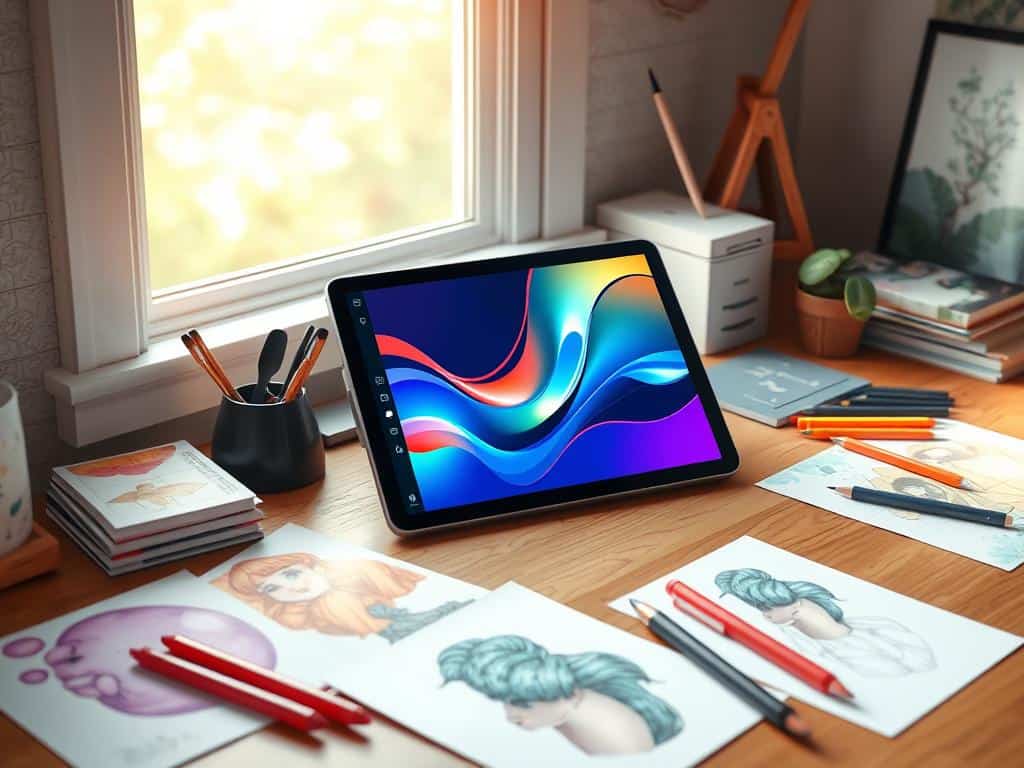
Good tools can really boost my creativity. Investing in the right devices and software makes a big difference. For beginners, something like the Wacom Intuos is affordable, starting at $40-60. More advanced artists might go for an iPad, priced around $500. Choosing software like Procreate for $14 or Adobe Photoshop for about $20 a month is also key. Investing wisely in tools improves my efficiency and creative expression.
Conclusion
Digital illustration opens up a world of creativity. It helps artists share their unique views through tech. I’ve learned that improving art skills is key in this diverse field.
By building strong basic skills and always learning, artists can get better. This is true no matter where they start on their journey.
Street art is becoming more popular. And so is sharing it on blogs and social media. This shows how digital art can boost creativity. It also helps artists share their work with people all over the world.
By connecting with other artists and talking about art, I grow as an artist. This makes me even more dedicated to digital illustration.
Navigating digital art means dealing with both chances and challenges. The world of digital illustration is full of ups and downs. By facing these, I hope to find new insights and make creative pieces.
My goal is to make art that not only shows but also connects with today’s world. This journey in digital illustration is ever-changing, but I’m excited to see where it leads.
